
Apartment Management System
Apartment Management System V6.2 is licensed, mobile-friendly software for managing dues, collections, residents, budgets, maintenance, meetings, reservations, meters, documents and operations in one panel.
Your license and secure download become available in your account after bank transfer approval.
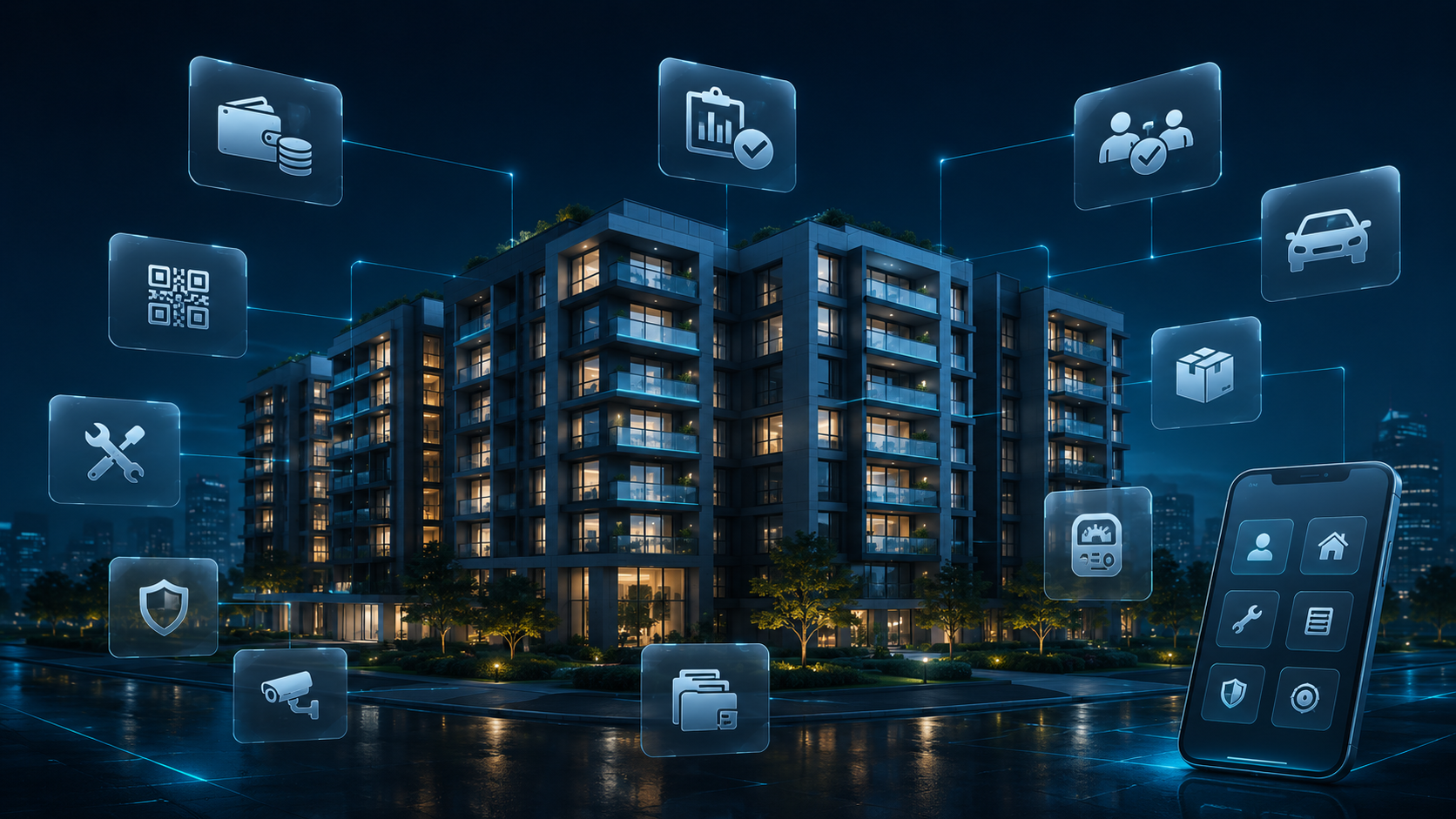
Description
Apartment Management System V6.2 helps building managers and professional property management companies handle daily work more efficiently, consistently and securely.
Create blocks and apartments, track owners and tenants separately, assign periodic or bulk dues, view overdue balances, record payments and generate QR-coded receipts.
Track income, expenses, budgets, collections and balances from the Finance Center. Submit budgets for resident or owner approval, create meeting agendas and let residents vote digitally from their own panel.
Manage maintenance requests, staff tasks, shared-space reservations, vehicle and parking records, parcel deliveries, meter readings, documents, decisions and notifications from one panel.
Residents sign in to their own accounts to view balances, receipts, budget approvals, meeting votes, reservations and maintenance requests.
The system includes role-based permissions, CSRF protection, secure uploads, login attempt limits, activity logs, SQL backups and CVD API license checks for customer installations.
Manage financial and operational processes centrally through a modern interface for phones, tablets and desktops.
Package features
| Mobile-friendly website | Modern, mobile-friendly corporate website |
| Building profile | Set the building name, address, manager and contact details. |
| Block and apartment management | Manage blocks, apartments, floors and apartment status. |
| Tenant and owner tracking | Store tenant and owner contact information separately. |
| Dues and balances | Assign periodic dues, late fees and payment status to apartments. |
| Bulk dues creation | Create dues records for selected apartments for the same period in one operation. |
| Collections management | Record payments by cash, bank transfer or other payment methods. |
| QR-coded receipts | Generate verifiable, printable receipts for each payment. |
| Finance Center | Track expected collections, overdue balances, income, expenses and net cash. |
| Income and expense tracking | Prepare operating and fixed-asset budgets for resident or owner approval. |
| Resident panel | Residents can view only their own apartment's balances, receipts and transactions. |
| Meeting management | Set meeting dates, locations, descriptions and agenda items. |
| Digital voting | Residents can vote Yes, No or Abstain on active agenda items. |
| Task management | Track staff tasks by priority, assignee, date and status. |
| Maintenance requests | Manage maintenance requests through Pending, In progress and Completed stages. |
| Secure photo uploads | Attach photos to maintenance requests with file-type and size validation. |
| Reservation system | Manage requests for gazebos, meeting rooms, gyms and parking. |
| Vehicle and parking tracking | Record license plates, vehicle owners, apartments and parking spaces. |
| Parcel tracking | Track incoming parcels, recipient apartments and delivery status. |
| Meter management | Record water, electricity, natural gas, heat-meter and hot/cold water readings. |
| Heating cost allocation | Allocate central heating costs by fixed and consumption-based shares. |
| Document center | Store PDF, image, Word and Excel documents securely. |
| Decision register | Record and print management decisions with dates and decision numbers. |
| Notifications | Send management notifications to users within the panel. |
| Role-based permissions | Separate administrator, property manager, accountant, auditor, security and staff roles. |
| Auditor access | Auditors can view reports but cannot change data. |
| Report center | Print dues, collection, finance and decision-register reports or save them as PDF. |
| SQL backups | Authorized administrators can download secure database backups. |
| Audit logs | Record sign-ins, downloads, uploads and important write operations. |
| Mobile-friendly design | Use administrator and resident screens on phones, tablets and desktops. |
| Data isolation per installation | Each customer installation runs with an independent database for one building. |
| Modern management panel | View collections, balances, income, expenses, open maintenance requests and recent activity on one screen. |
Frequently asked questions
Can I try a demo?
Request a demo; once approved, your time-limited demo license will appear in your account.
Does the system run on localhost?
Yes. The software can run locally with tools such as XAMPP. Hosting with PHP 8.2+, MySQL and HTTPS is recommended for live use.
Can each resident sign in separately?
Yes. Residents sign in with their assigned email and password and access only information for their own apartment.
Can tenants and owners be tracked separately?
Yes. Store tenant and owner names, phone numbers and email addresses in separate fields.
Can I create dues in bulk?
Yes. Apply a specified period and amount to selected apartments in one operation. Duplicate records for the same period are checked.
Can I generate payment receipts?
Yes. Generate a receipt with a unique number and verification QR code after recording a payment.
Can residents vote digitally?
Yes. Residents can vote Yes, No or Abstain on active meeting agendas. Votes are recorded per user.
Can shared-space reservations be managed?
Yes. Accept reservation requests for gazebos, gyms, meeting rooms and visitor parking.
Can I track meters and heating costs?
Yes. Record water, electricity, natural gas, heat-meter and hot/cold water readings. Allocate central heating costs by fixed and consumption-based shares.
Are document uploads secure?
File types and sizes are validated on the server. Documents are stored outside direct web access and can be downloaded only by authorized users.
Can user permissions be separated?
Yes. Administrator, property manager, accountant, auditor, security and staff roles can access different modules. Auditors have read-only access.
Are WhatsApp messages sent automatically?
The current package supports WhatsApp message templates. Automatic sending requires a separate WhatsApp Business API integration.
Are automatic backups available?
Create manual SQL backups from the panel. Scheduled automatic backups require separate server cron configuration.
Can the software manage multiple buildings in one panel?
The standard package uses one building per installation for security and data isolation. Multi-building management may be offered as custom development.